
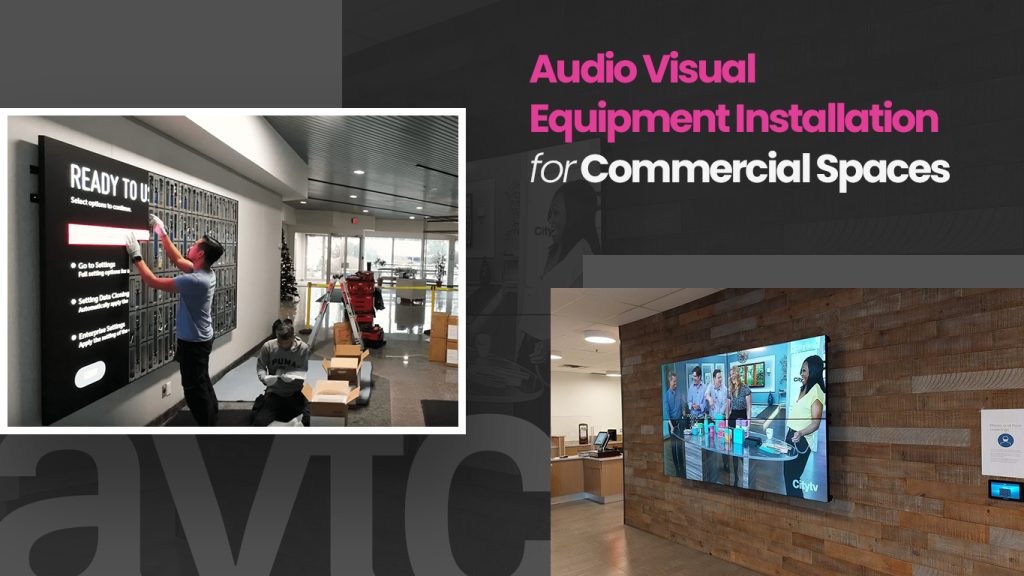
Picture this. Ten people sit around a table. The client is waiting on the call. And somebody is under the desk, hunting for the one cable that works.
Sound familiar? Thought so.
Most of the time, technology isn’t the problem. The room was never set up properly. Nobody planned it around how people actually meet, and that’s where things start to go wrong. So let’s talk about how audio visual equipment installation really works in a commercial space, and how to get it right the first time.
What Does AV Installation Actually Mean?
It means getting the screens, speakers, microphones, cameras and controls in a room to work together. That’s it. No magic.
But here’s the part people miss. The best installation is the one you never think about. You walk in, press one button, and the meeting starts. If your team needs instructions taped to the wall, something went wrong. A well-done commercial audio visual installation should feel almost boring, in the best possible way.
Which Spaces Need It?
Boardrooms get all the love. Honestly, though, the rooms that benefit most are often the ordinary ones.
- Huddle rooms: small, busy, used for calls all day
- Conference rooms: where hybrid meetings either work or fall apart
- Training rooms: everyone needs to see and hear, even from the back row
- Lobbies: digital signage does the talking before anyone says hello
- Open offices: sound and signage need a plan, not an afterthought
Different rooms, different needs. One package for everything? It rarely works.
The Equipment (Without the Jargon)
You don’t need every gadget out there. A few things, done well, are enough.
Screens. Bigger isn’t always better. Can the person in the back corner read the text? That’s the real test.
Sound. This one gets ignored, and it shouldn’t. People will put up with an average picture. Bad audio? They stop listening within minutes, and remote guests are the first to drift away. If you’re planning a bigger room, take a look at how conference room AV setups come together.
Cameras. A good camera makes a video call feel like a conversation. A bad one feels like watching security footage. Make sure it works with what you already use, whether that’s Teams, Zoom or Google Meet.
Controls. One panel. One button. Done.
Cables. Not exciting, we know. But tidy, labelled cabling is the reason a room still works years later.
How a Good Installation Works
Every project is different, but the path looks pretty similar.
It starts with a conversation. A good installer asks how you use the room, who uses it and what drives everyone crazy about it right now. Products come later.
Next comes a site visit. Ceiling height, glass walls, lighting, existing wiring. All of it matters.
Then the plan. Equipment, placement, cable routes, budget. Think about growth here too, because the team you have today won’t be the team you have in two years.
After that, the installation itself. Screens go up, cables disappear, microphones and speakers find their spot.
Testing is next, and it’s where we hunt down echo, lag and anything that misbehaves. A room should be tested long before your first real meeting. Not during it.
Last, the handover. A quick walkthrough with your team saves a lot of “how do I turn this on?” emails.
Mistakes We’d Love You to Skip
Number one: ignoring acoustics. A glass-walled boardroom can look incredible and sound like a gym. Expensive speakers won’t fix echo from hard surfaces. If your room is already struggling, start with this guide to common AV issues in meeting rooms before you spend a dollar.
Number two: buying equipment first and planning the room later. You end up with gear that doesn’t talk to each other.
Number three: making it complicated. If it takes training to join a call, it’s too complicated. Simple wins.
And one more thing. Leave a little room to grow. Adding capacity now costs far less than ripping things out later.
Why Local Matters
Installing technology in Toronto isn’t always simple. High-rise towers have loading dock bookings. Many buildings only allow after-hours work. Older buildings come with surprises behind the walls. An installer who’s been through it all moves faster and avoids the delays. Our complete guide to AV installation services in Toronto explains what to expect.
Local also means someone can show up quickly. If you need audio visual installation in Toronto, you’ll appreciate that the first time something breaks on a Monday morning.
Accessibility and Standards
If you’re in Ontario, think about accessibility from the start. Captioning, hearing support and simple controls make a room better for everybody, and they support AODA requirements. Also check that your equipment meets Canadian safety standards like CSA certification. Easier to plan now than fix later.
Keep It Running
Think of your AV system like a company car. It runs great, as long as someone looks after it. Updates get missed. Cables get loose. Settings change. You usually find out in front of a client.
A little regular support avoids that. It costs much less than one failed presentation.
Choosing Your AV Partner
Don’t just compare prices. Ask who designs it, who installs it and who answers the phone afterwards. Ask to see rooms they’ve done before. And notice how many questions they ask you. The more questions up front, the better the result usually is.
Got a Meeting Room That Never Works?
Everyone has one. The room people avoid. If that’s yours, we’d be glad to take a look. Book a consultation with our team, tell us what’s bugging you, and we’ll suggest what makes sense for your space and budget. No pressure.
Frequently Asked Questions
A single meeting room can often be done in a day or two. Bigger offices or multi-room projects can take several weeks, including planning and testing.
It depends on room size, equipment, wiring and how much needs to connect to your current setup. A huddle room costs much less than a full boardroom. A site visit is the easiest way to get a real number.
Usually, yes. Cables can often go through ceilings, walls or conduit, and wireless options reduce new wiring. Your installer will tell you what’s realistic for your building.
Most modern systems support all three. Just confirm compatibility during the design stage so your team can keep using the tools they know.
We’d say yes. Regular check-ups and quick fixes keep the system reliable and help your equipment last longer.