
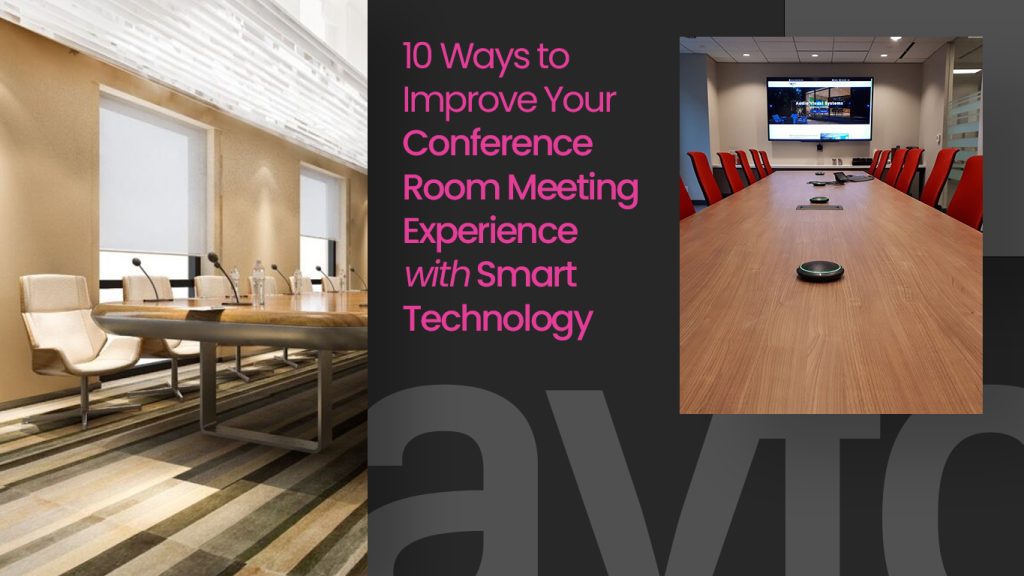
Improving a conference room meeting experience comes down to removing friction, bad audio, unreliable connections, and clunky controls. Smart AV technology eliminates all three, so every meeting starts on time and runs without interruption, whether participants are in the room or joining remotely.
Walk into most offices today and you’ll find at least one meeting room that quietly frustrates everyone who uses it. The screen takes three minutes to connect. The speakerphone cuts in and out. Nobody can figure out how to dim the blinds for the presentation. These problems add up, across dozens of meetings a week, they represent a serious drain on time, energy, and the impression your business makes.
The right smart technology changes all of that. A well-designed conference room for meeting runs predictably, feels effortless to use, and keeps both in-room and remote participants equally engaged. Here are ten specific upgrades that make a measurable difference.
What Does a High-Performing Conference Room Meeting Actually Need?
A high-performing conference room meeting requires three things working together: reliable audio and video so communication is clear, intuitive controls so nobody wastes time figuring out the technology, and an environment, lighting, acoustics, layout, designed around how people actually use the space. When these are aligned, meetings become noticeably more productive from the very first minute.
10 Smart Technology Upgrades That Make a Real Difference
1: Replace cables with a wireless presentation system
The single fastest improvement to any conference room meeting is removing the cable-and-adapter ritual at the start. A wireless presentation system, such as Barco ClickShare or Mersive Solstice, lets any participant share their screen in seconds, regardless of their device. No drivers, no compatibility issues, no fumbling. Meetings start when they should, and the technology disappears into the background where it belongs.
2: Invest properly in room audio
Audio quality is the most important factor in any video conference meeting room, yet it is consistently underinvested. A ceiling-mounted microphone array captures every voice in the room cleanly, while a properly tuned speaker system ensures remote participants hear everything without echo or distortion. People can tolerate an average image, they cannot tolerate words being dropped or voices echoing off walls. Audio is the foundation everything else builds on.
3: Match your display size to the room
A display that looks large in a showroom can feel inadequate in a real conference setup meeting room. The correct approach is to calculate screen size against the room’s maximum viewing distance. A commonly used rule is that the screen’s diagonal in inches should be at least half the viewing distance in inches. For longer boardrooms, dual commercial-grade displays, one for content, one showing remote participants, are often more effective than a single large screen.
4: Install a dedicated conferencing camera
A laptop webcam is not appropriate for a business meeting conference room. A PTZ (pan-tilt-zoom) camera or wide-angle conferencing camera mounted at the correct eye level delivers sharp, stable, professional-quality video. More advanced models include auto-framing and speaker-tracking features that keep the active speaker centred in the frame, particularly valuable in larger rooms where participants are spread around a long table.
5: Unify controls with a single touch panel
One of the most impactful upgrades for any conference room for meeting is replacing multiple remotes and app switches with a single unified touch panel. Platforms like Crestron, Extron, and QSC allow displays, audio, lighting, blinds, and video conferencing to be controlled from one interface. Add one-touch join, where a single button launches a scheduled meeting, and pre-meeting setup time drops to near zero.
6: Install room scheduling panels at every door
Room scheduling panels, synced live with your calendar system, solve two persistent problems in shared office environments: walking into an occupied room and discovering empty rooms that were never properly cancelled. For any organization with multiple conference room meeting spaces, these panels are operational infrastructure. They also give visitors an immediate, clear read on room availability without having to ask anyone.
7: Design lighting specifically for video calls
Lighting is one of the most overlooked elements in a video conference meeting room. Windows positioned behind participants turn them into silhouettes on camera. Harsh overhead fluorescents create deep facial shadows. Tunable LED fixtures with preset scenes, a softer, warmer mode for video calls, a brighter mode for presentations, address both problems with a single button press. Motorized blinds integrated into the AV control system complete the picture.
8: Give the room its own dedicated network connection
Every serious business meeting conference room should have a dedicated wired network connection, separate from the general office Wi-Fi. A managed network switch with Quality of Service (QoS) settings that prioritize conferencing traffic ensures that video calls stay smooth even when the rest of the building is under heavy network load. This invisible layer of infrastructure is what separates a room that works consistently from one that works most of the time.
9: Add digital signage outside meeting spaces
A digital display panel outside each conference setup meeting room, showing the current booking, the next reservation, and a live countdown to availability, reduces hallway interruptions and helps visitors navigate without assistance. It is a small detail, but it signals to everyone who sees it that the space has been thoughtfully designed. Clients and new team members consistently notice it, even if they cannot immediately articulate why the office feels more organized.
10: Back the technology with a proactive service plan
Even the best AV equipment drifts without care, firmware falls out of date, calibration slips, and hardware eventually fails. The difference between a conference room for meeting that is reliable for years and one that quietly degrades is an ongoing relationship with a qualified AV partner. Proactive maintenance catches issues before they affect meetings, keeps software current, and ensures that someone who knows your specific setup is available when something does need attention.
The Right Technology Makes Every Meeting Better
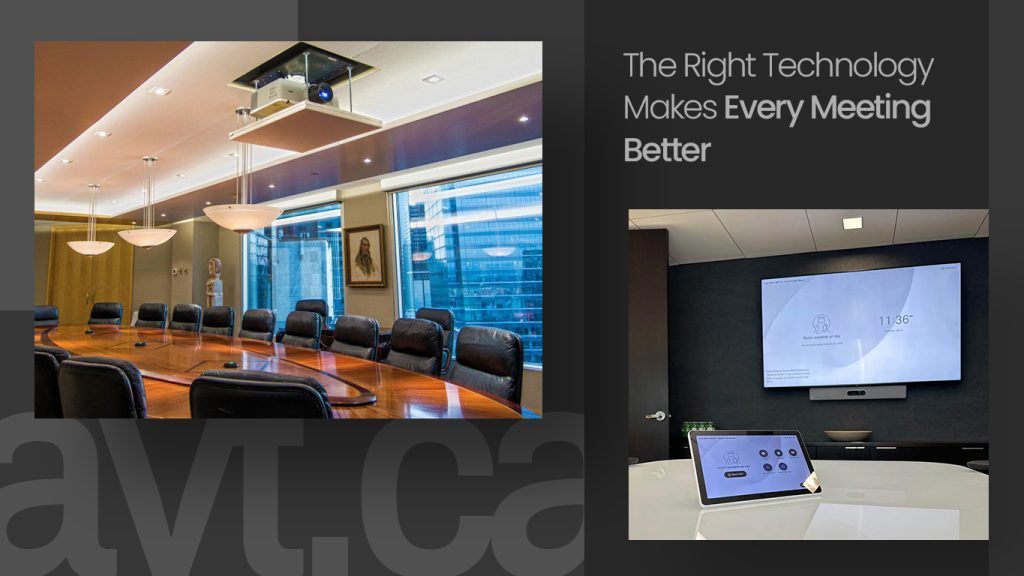
A well-equipped conference room meeting space does not require doing everything at once. Many organizations start with audio and display improvements, then layer in wireless presentation, room scheduling, and integrated control over time. What matters is that each step is intentional, chosen to solve a real problem in how your teams meet and collaborate, not just to add technology for its own sake.
The spaces where people meet shape how decisions get made. A business meeting conference room that runs smoothly, sounds great, and looks professional on camera reflects directly on the organization behind it, to clients, to partners, and to the teams who use it every day.
Getting the design right from the start saves time, money, and frustration over the long term. That starts with understanding the space, the people who use it, and what they genuinely need from the technology around them.